




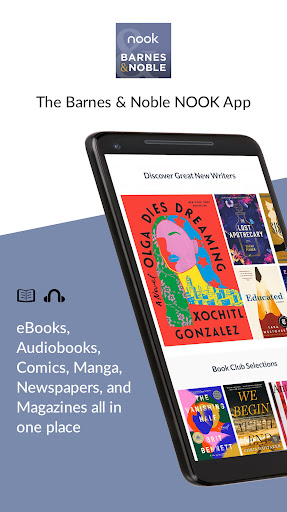
About Barnes & Noble NOOK
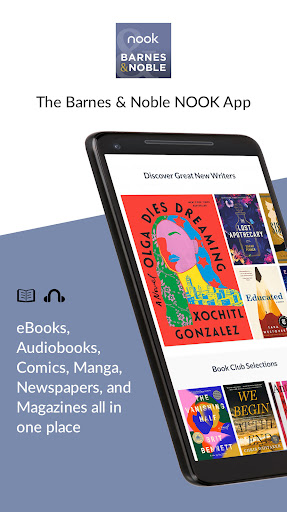
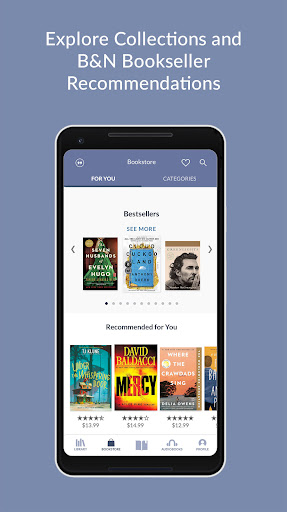
The NOOK app is your portal to a massive library of digital books and audiobooks. Easily access millions of titles, discover personalized recommendations, and enjoy a customizable reading experience synced across devices.
Key Functions
Vast Content Library
Access over 4 million eBooks and 300,000 audiobooks, including free selections. Discover new releases and diverse genres easily.
Cross-Device Sync
Your reading progress, bookmarks, and notes sync automatically. Continue reading seamlessly on any device.
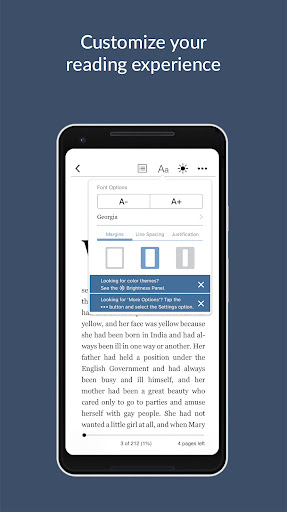
Customizable Reading
Adjust fonts, colors, and spacing for comfort. Personalize your library with custom shelves.
Family Profiles
Share purchases across family members. Create child profiles for controlled content access.
Use Cases
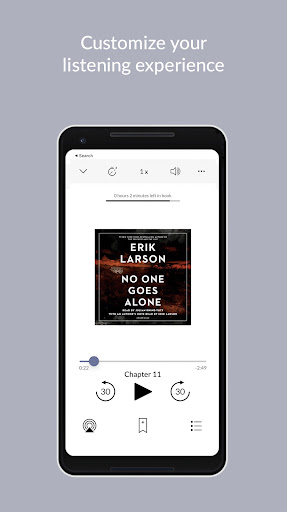
Commuters can download audiobooks for their drive, syncing progress to their eReader later. Families can share eBooks, with parents setting content limits for children using separate profiles.
How It Works
- Download and install the NOOK app on your Android device.
- Sign in with your Barnes & Noble account or create a new one.
- Browse or search the library for eBooks and audiobooks.
- Purchase content or download free titles.
- Tap on a title to start reading or listening.

 Google Play
 App Store
