



About Gmail
Gmail offers a secure and efficient way to manage your emails on Android. It provides real-time notifications, robust security features, and easy multi-account support. The app also integrates with other Google services for enhanced productivity.
Key Functions
Spam Blocking
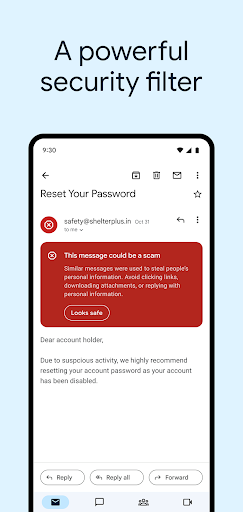
Automatically blocks over 99.9% of spam, phishing, and malware before they reach your inbox.
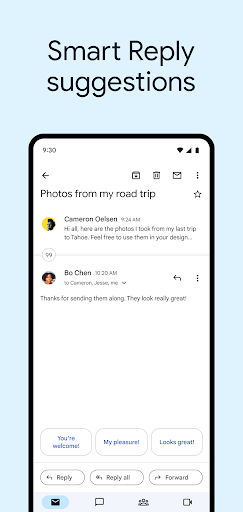
Smart Reply
Suggests quick responses to emails, helping you reply faster and more efficiently.
Multi-Account Support
Easily switch between and manage multiple Gmail accounts within a single app.
Offline Access
Read and compose emails even without an internet connection, syncing when you're back online.
Use Cases
This app is perfect for busy professionals managing work and personal inboxes, students keeping up with classes, and anyone who wants a streamlined email experience. It helps organize communications, quickly respond to messages, and stay protected from online threats.
How It Works
- Open the Gmail app and sign in with your Google account.
- Tap the menu icon to access different folders and settings.
- Compose a new email by tapping the '+' button.
- Swipe left or right on emails to archive or delete them.

 Google Play
 App Store
