



About Google Docs
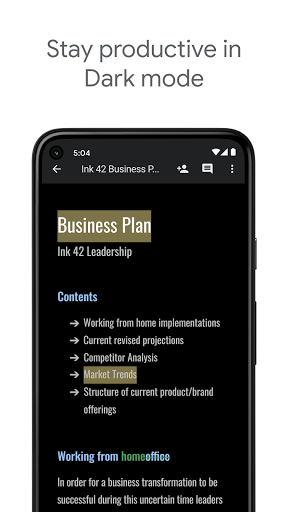
Google Docs is a mobile word processor that lets you create and edit documents on the go. It offers seamless collaboration and offline access for all your writing needs.
Key Functions
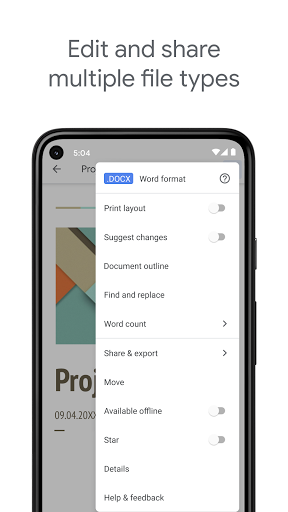
Create and Edit
Make new documents or change existing ones easily right from your device.
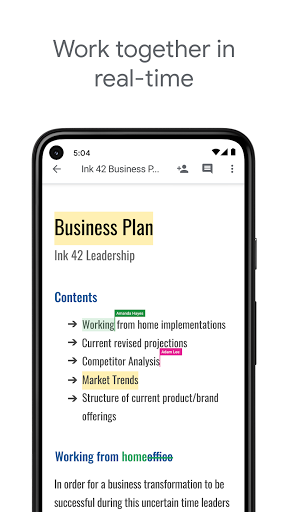
Real-time Collaboration
Work together with others on the same document simultaneously.
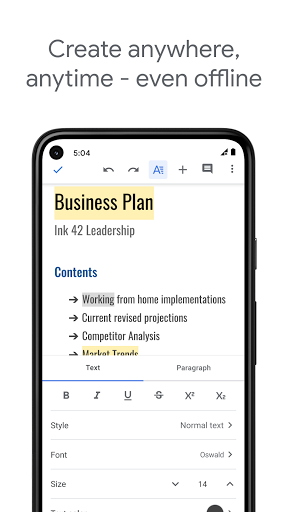
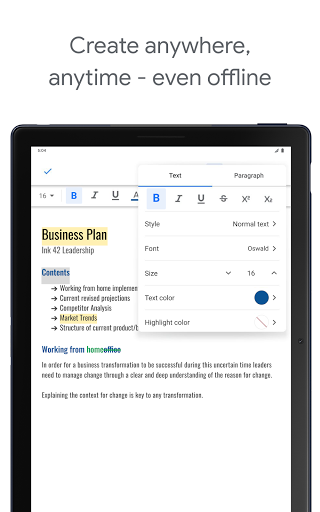
Offline Access
Continue working on your documents even without an internet connection.
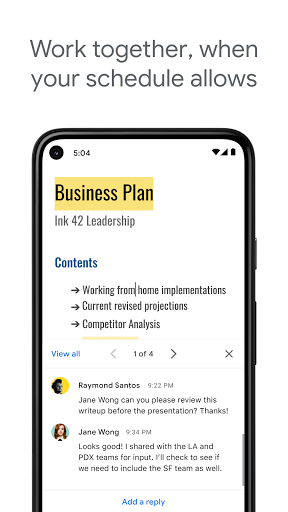
Comments and Suggestions
Add feedback or discuss changes directly within the document.
Automatic Saving
Your work is saved automatically as you type, preventing data loss.
Use Cases
Students can work on group projects, sharing notes and drafts in real-time. Professionals can collaborate on reports or proposals from anywhere, ensuring everyone is up-to-date. Even casual users can quickly jot down ideas or lists and access them later, offline.
How It Works
- Open the Google Docs app on your Android device.
- Tap the '+' button to create a new document or select an existing file.
- Start typing, editing, or collaborating with others.
- Your changes are saved automatically; use the share button to invite collaborators.

 Google Play
 App Store
