






About Boards.com
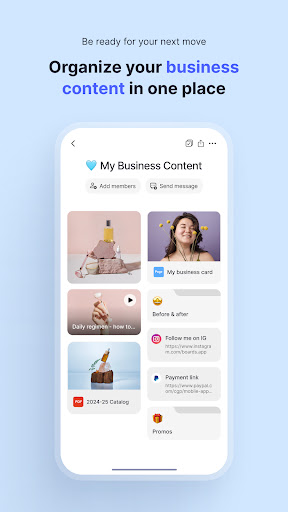
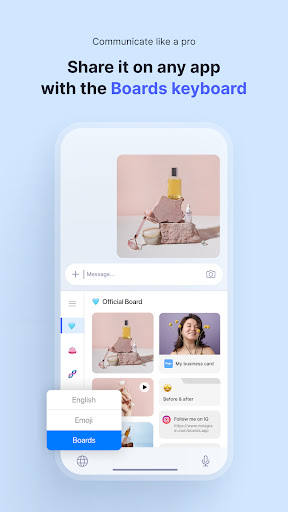
Boards puts your sales and marketing content directly on your mobile keyboard. Easily access texts, images, and links with a single tap to improve productivity.
Key Functions
Content Library Creation
Create unlimited boards for various content types and organize them with folders for quick access.
Any File Type Upload
Upload texts, images, videos, links, and PDFs to your content boards.
Keyboard Access
Access and send your content instantly through the custom keyboard on any messaging app.
Team Content Sharing
Share organized content boards with your team to ensure consistency and boost efficiency.
Use Cases
Sales professionals can quickly share product catalogs and scripts with customers directly from their keyboard. Influencers can efficiently post prepared content on social media, saving time and effort.
How It Works
- Download and install the Boards app.
- Create your first content board and add various content types.
- Switch to the Boards keyboard within any messaging app.
- Tap to select and send content to your contacts.

 Google Play
 App Store
