





About Logitech G
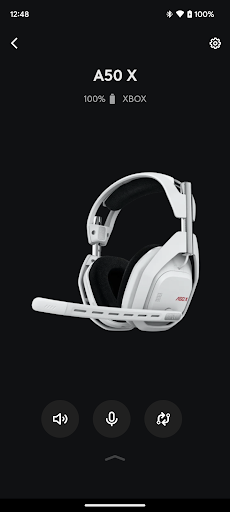
The Logitech G Mobile app enhances your gaming audio experience. It allows precise control over compatible Logitech G headsets, letting you customize sound and microphone settings.
Key Functions
Volume and Audio Control
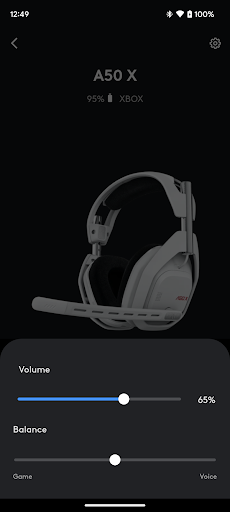
Adjust headset volume precisely and customize audio with graphic and parametric equalizers.
Microphone Adjustment
Fine-tune noise gate and sidetone for both internal and removable microphones easily.
Profile Management
Save and load custom settings for microphone, EQ, and game/voice balance profiles.
Product Updates
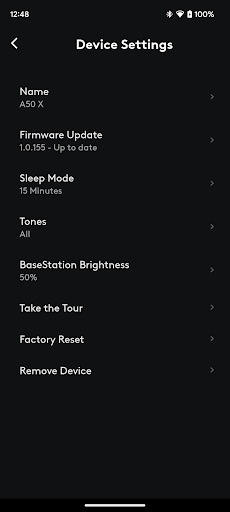
Access and install firmware updates to keep compatible Logitech G headsets optimized.
Use Cases
Gamers can fine-tune their audio for competitive play or immersive experiences. Adjusting EQ and mic settings ensures clear communication and personalized soundscapes, while profiles allow quick changes between different games or platforms.
How It Works
- Download and install the Logitech G Mobile app.
- Ensure your compatible Logitech G headset is powered on and connected.
- Open the app and select your headset from the device list.
- Navigate through the menus to adjust volume, EQ, mic settings, or load profiles.

 Google Play
 App Store
