





About Big Keyboard: Easy Launcher
The Big Keyboard: Easy Launcher simplifies your smartphone with a clean interface, larger typing area, and quick access tools. It's designed for ease of use, helping you connect and find information more efficiently.
Key Functions
Larger Keyboard
Type with up to 70% larger keys to reduce errors and improve typing speed.
Voice Assistant
Search the web or get information hands-free with simple voice commands.
Magnifier Tool
Easily read small text on menus or other items with a built-in magnifier.
Customizable Home
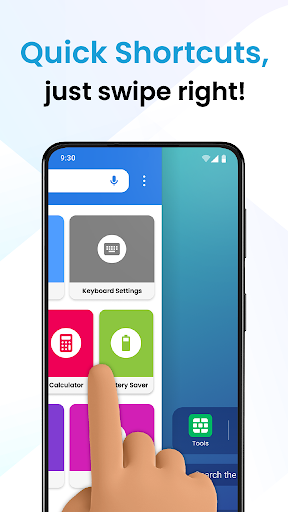
Organize your screen with quick shortcuts to frequently used apps and tools.
Use Cases
This app is ideal for anyone who struggles with small phone keyboards or finds navigating their device challenging. Whether you're trying to read a dimly lit menu or simply want to avoid typing errors, this launcher offers practical solutions for everyday phone use.
How It Works
- Install and open the Big Keyboard: Easy Launcher app.
- Follow the on-screen prompts to set up your new home screen and keyboard size.
- Grant necessary permissions for features like voice search and magnifier.
- Explore the customizable shortcuts and helpful tools available.

 Google Play
 App Store
