




About AI Photo Editor, Collage-Fotor
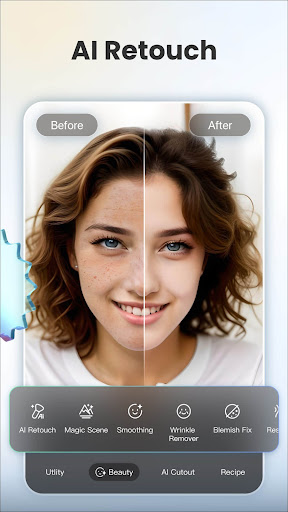
Fotor is an AI photo editor for creating stunning visuals. It offers tools to enhance, retouch, and transform your images, making professional-quality editing accessible to everyone.
Key Functions
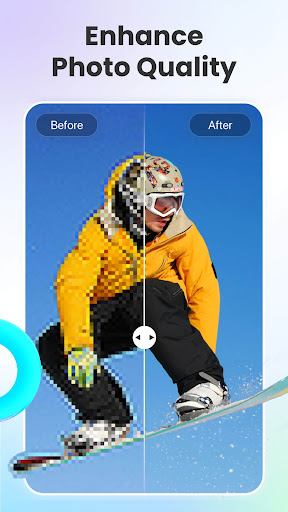
AI Photo Enhancer
Instantly clarifies blurry images and fixes low-resolution photos for sharper results.
Magic Eraser
Effortlessly removes unwanted objects from photos, perfect for beginners.
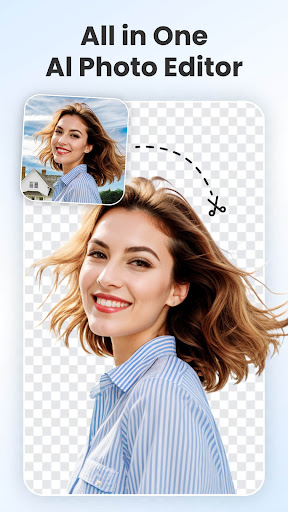
BG Remover
Extracts subjects with one click for easy background replacement.
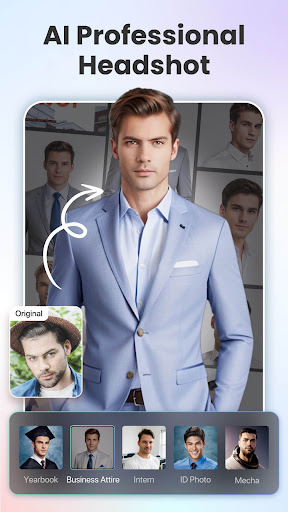
AI Headshot Generator
Creates professional-looking profile pictures and avatars quickly.
Text to Image
Transforms your text descriptions into unique images instantly.
Use Cases
Beginners can remove unwanted objects from vacation photos with the Magic Eraser. Social media users can create professional avatars using the AI Headshot Generator. Artists can bring text ideas to life by generating images from descriptions.
How It Works
- Open Fotor and select the photo you want to edit.
- Choose an AI tool from the toolbar, like the AI Enhancer.
- Adjust settings as needed and apply the effect.
- Save your edited photo or share it directly.

 Google Play
 App Store
