



About Minecraft Education
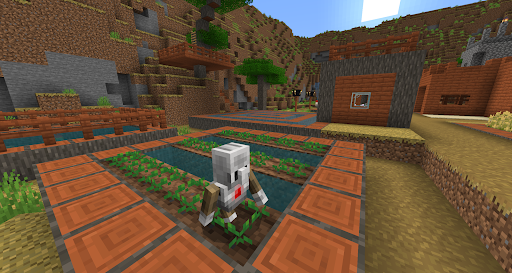
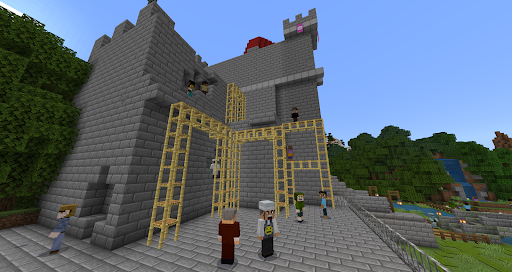
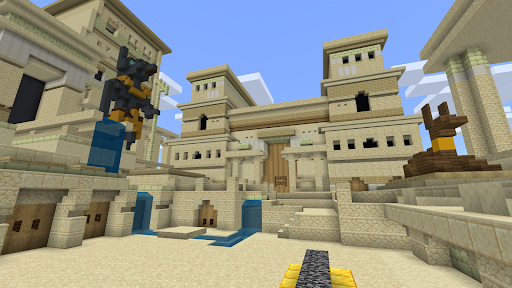
Minecraft Education is a game-based learning platform for schools. It inspires creativity and helps students tackle subjects through play, preparing them for future challenges.
Key Functions
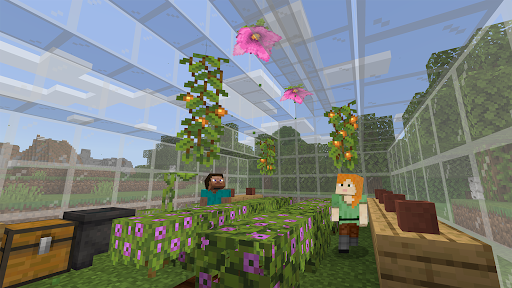
Collaborative Multiplayer
Work together in-game across different devices and environments. This fosters teamwork and shared problem-solving.
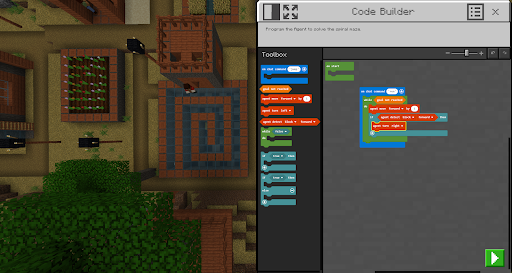
In-Game Coding Support
Learn coding with block-based, JavaScript, and Python. The intuitive interface makes coding accessible and practical.
Immersive Reader
Easily read and translate in-game text. This feature supports diverse learning needs and comprehension.
Documentation Tools
Use Camera and Book & Quill to document creations. Export your in-game projects for sharing and assessment.
Use Cases
Teachers can use Minecraft Education to teach subjects like math and history through engaging lessons. Students can collaborate on projects, develop critical thinking, and practice coding skills in a fun, interactive environment.
How It Works
- Obtain Minecraft Education licenses through your school's Microsoft 365 Admin Center.
- Launch the game and select a world or lesson from the available library.
- Explore, build, and collaborate with classmates in real-time.
- Utilize tools like Code Builder for coding activities or Immersive Reader for text support.

 Google Play
 App Store
