




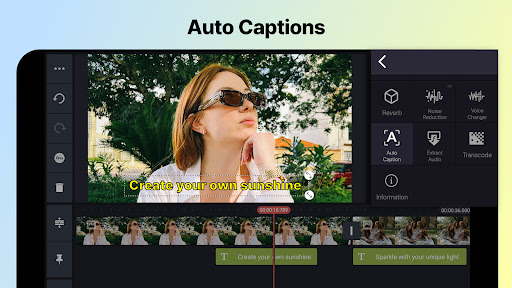
About KineMaster - Video Editor
KineMaster is a powerful video editing app that helps creators make professional-looking videos. It offers a suite of tools to easily cut, merge, and enhance your video content for social media.
Key Functions
Video Editing Suite
Cut, trim, and merge videos with ease. Add photos, music, and text for dynamic content.
Chroma Key and Animation
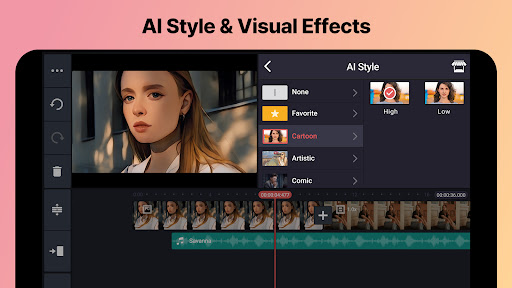
Use green screen effects and keyframe animation to create engaging visual effects.
Asset Store Access
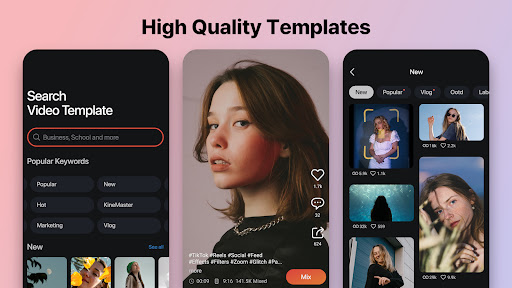
Explore a library of royalty-free music, stickers, and video templates for enhanced projects.
Multiple Export Options
Save and share your creations in up to 4K resolution at 60FPS across various platforms.
Use Cases
Ideal for vloggers creating daily content or social media managers needing quick, engaging videos. It simplifies making slideshows, video collages, and even short promotional clips for platforms like TikTok and Instagram.
How It Works
- Open KineMaster and start a new project by selecting your desired aspect ratio.
- Import your video clips and photos from your device's gallery.
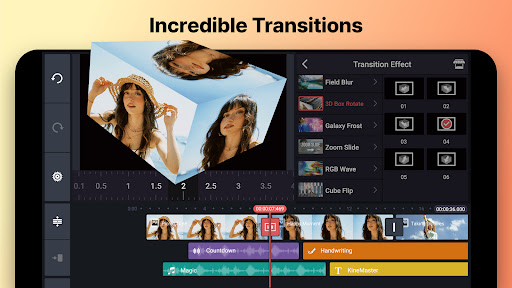
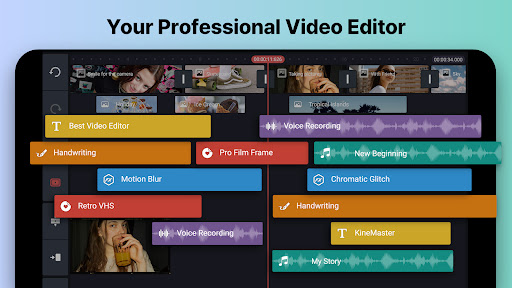
- Use the timeline to cut, trim, add transitions, and overlay elements like text or music.
- Apply effects such as chroma key or animation as needed.
- Export your finished video in your preferred resolution and share it directly.

 Google Play
 App Store
