




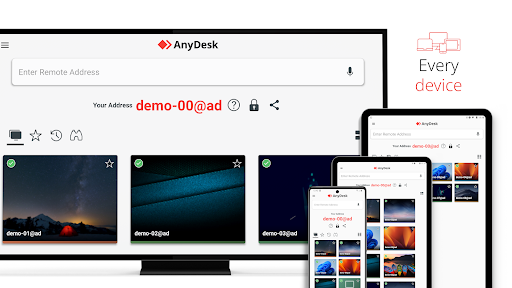
About AnyDesk Remote
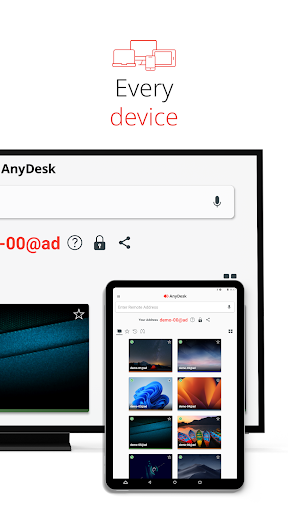
AnyDesk is a remote assistance tool that connects users globally. It offers secure and reliable access for IT professionals and individuals alike, making remote work and support seamless.
Key Functions
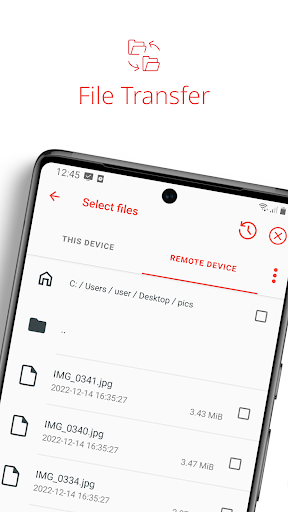
Secure File Transfer
Easily send and receive files between your devices securely. This function ensures data moves safely.
Remote Printing
Print documents from a remote device to your local printer. It makes document management simple.
Wake-On-LAN
Remotely power on a computer that is turned off. This is useful for accessing devices when needed.
VPN Connection
Creates a private network for secure remote access. It adds an extra layer of protection for your connection.
Use Cases
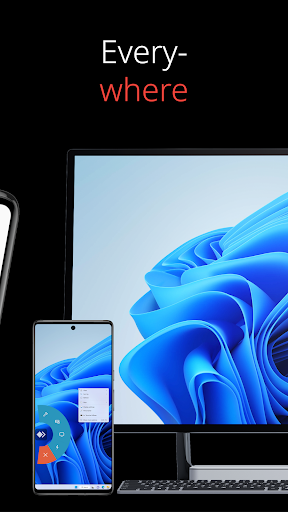
IT support can assist users anywhere in the world, troubleshooting issues without physical presence. Students and remote workers can access their office or home computers, ensuring productivity regardless of location.
How It Works
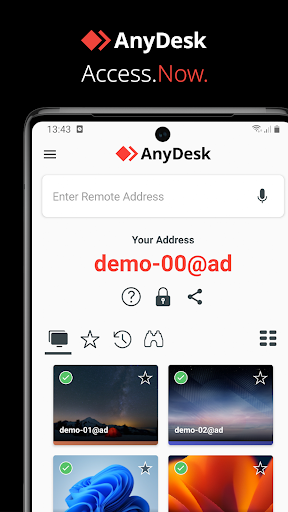
- Install and launch AnyDesk on both devices you wish to connect.
- Note the AnyDesk-ID displayed on the remote device.
- Enter this ID into the AnyDesk-ID field on your local device.
- Accept the incoming connection request on the remote device.
- You can now control the remote device.

 Google Play
 App Store
