





About AirMirror
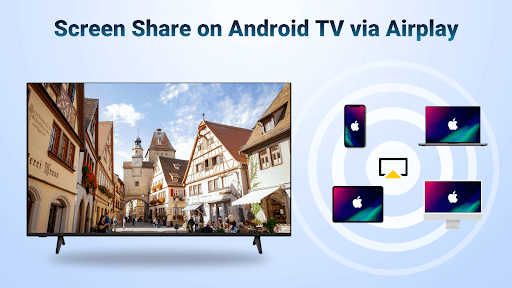
This app lets you wirelessly stream content from Apple devices to your Android TV. It's great for sharing photos, videos, and games on a bigger screen.
Key Functions
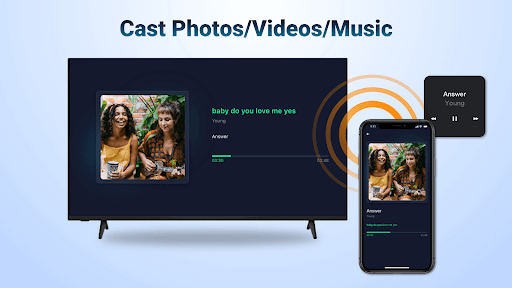
Stream media
Send audio, video, and photos from Airplay-enabled devices to your TV.
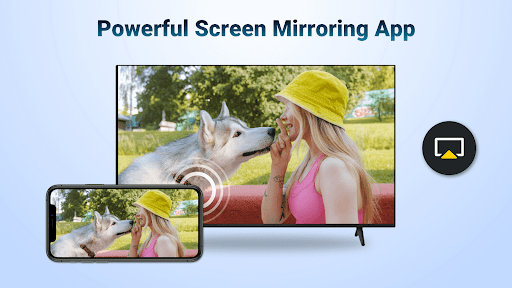
Screen cast
Share your device screen, including games and presentations, on the big screen.
Web video casting
Cast videos from websites directly to your TV smoothly and quickly.
Simple controls
Easily play, pause, or stop content directly from the receiving end.
Use Cases
Share photos from a trip with family on the TV. Teachers can mirror lessons for students. Business professionals can present slides during meetings.
How It Works
- Download the app on your Android TV.
- Ensure both devices are on the same WiFi.
- Open the app and note the TV name.
- Select 'Screen Mirroring' on your Apple device and choose the TV name.

 Google Play
 App Store
