



About Remote for Roku: TV Remote
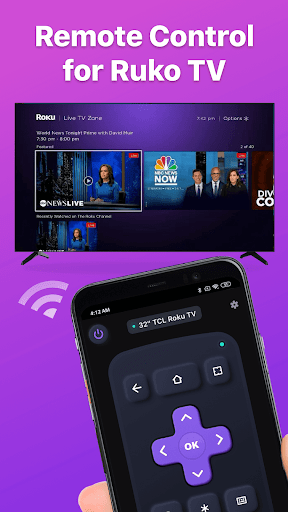
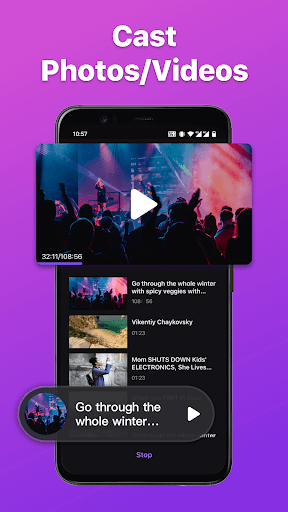
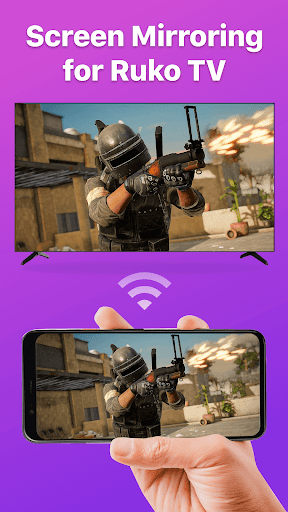
Control your Roku TV easily with this mobile app. It offers familiar remote functions like power, volume, and streaming control over WiFi.
Key Functions
Power Control
Turn your Roku TV on or off with a single tap from your phone.
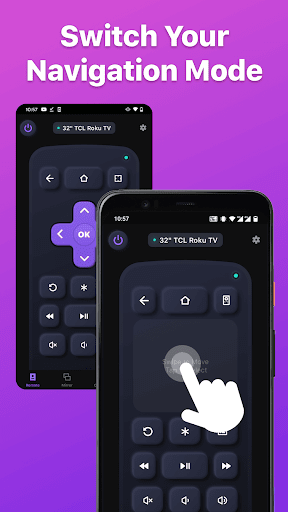
Navigation and Playback
Browse menus and control media playback with intuitive touch controls.
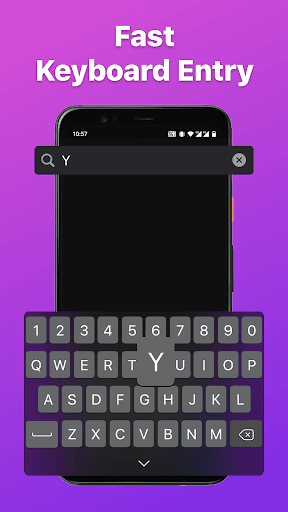
Keyboard Input
Easily type text, passwords, and search queries using your phone's keyboard.
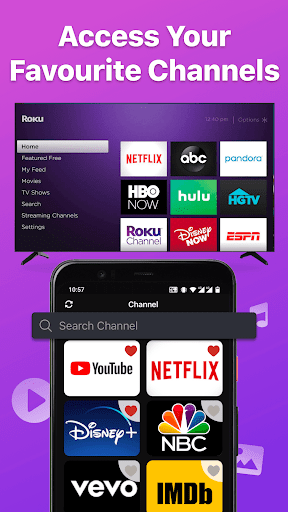
Channel Shortcuts
Launch your favorite Roku channels quickly with custom shortcuts.
Use Cases
Misplaced your physical remote? This app provides a convenient replacement, letting you manage your Roku TV without searching. Stream content, adjust volume, or launch apps seamlessly.
How It Works
- Ensure your phone and Roku TV are on the same WiFi network.
- Open the app and select your Roku TV from the list of devices.
- Use the on-screen controls to operate your TV.

 Google Play
 App Store
