



About YouTube Studio
YouTube Studio helps creators manage their channel and connect with their audience. It offers insights into performance and engagement, making it easier to grow your presence.
Key Functions
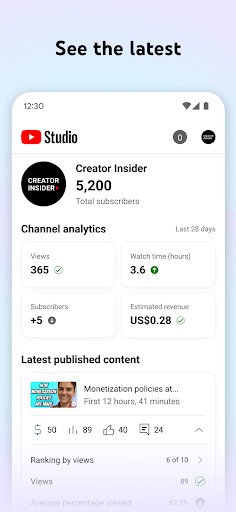
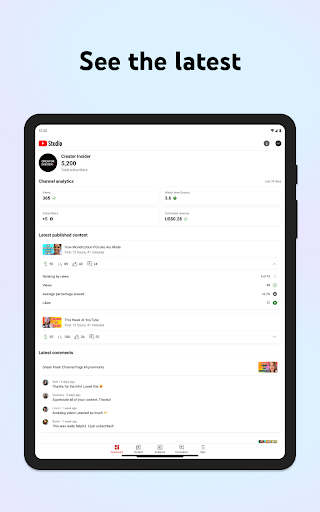
Channel Dashboard
View a quick overview of your channel's performance and key metrics at a glance.
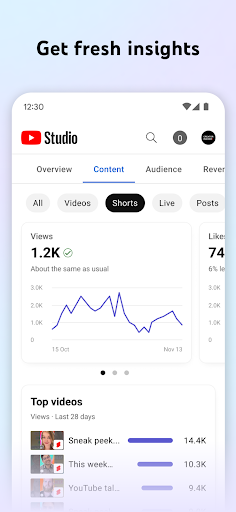
Detailed Analytics
Understand how your content and channel perform with in-depth data and insights.
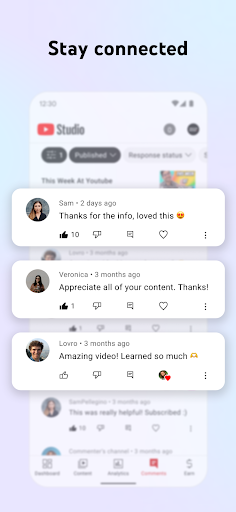
Comment Management
Filter and sort comments to engage with your community and important conversations.
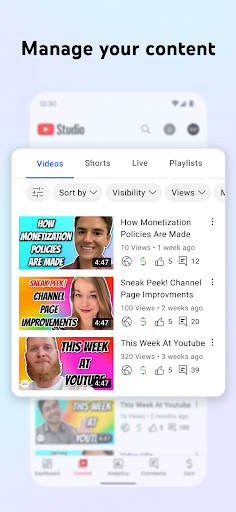
Content Updates
Modify video details and manage your uploaded content directly within the app.
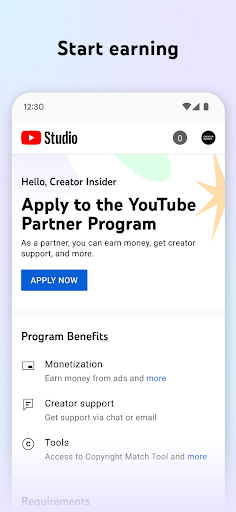
Monetization Access
Apply for the YouTube Partner Program to start earning revenue from your content.
Use Cases
Creators can monitor video views and subscriber growth on the go. They can also respond to comments and update video titles, making it easy to manage their channel anytime, anywhere.
How It Works
- Download and open the YouTube Studio app on your device.
- Sign in using your YouTube account credentials.
- Navigate through the dashboard to view analytics and manage content.
- Tap on videos to edit details or access comment sections for engagement.

 Google Play
 App Store
