



About SmartThings
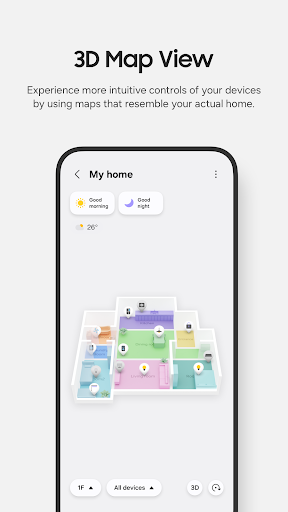
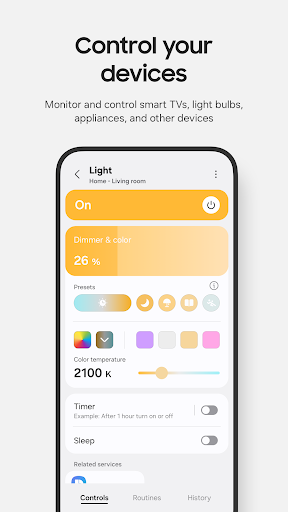
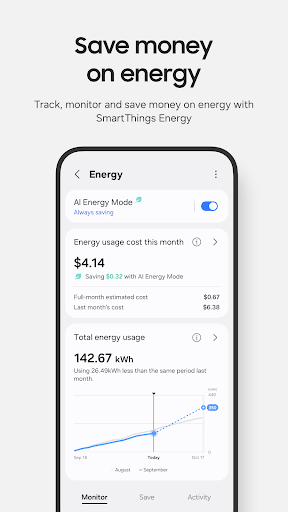
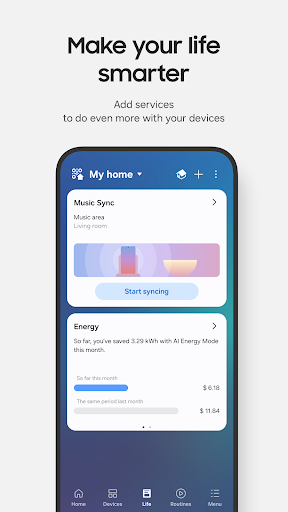
SmartThings lets you easily manage smart home devices. It connects hundreds of brands, letting you control everything from TVs to lights in one app.
Key Functions
Remote Control
Manage your smart devices from anywhere. Check on your home's status anytime, anywhere you go.
Automated Routines
Set up schedules for your devices. Your home adjusts automatically based on time or conditions.
Shared Access
Grant control to family members. Let others manage devices in your smart home easily.
Device Notifications
Stay informed about your devices. Receive alerts for important status changes.
Use Cases
Busy parents can create routines for lights to turn on at sunset. Tech enthusiasts can automate their home security and entertainment systems.
How It Works
- Download and install the SmartThings app.
- Create or log in to your Samsung account.
- Add devices by tapping '+' and selecting 'Device'.
- Follow on-screen instructions to connect each device.
- Create routines or control devices as needed.

 Google Play
 App Store
