



About Samsung Smart Switch Mobile
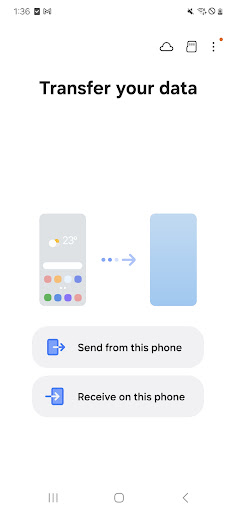
Smart Switch helps you transfer data to a new Galaxy device. It moves contacts, photos, messages, and more from Android or iOS phones.
Key Functions
Transfer data easily
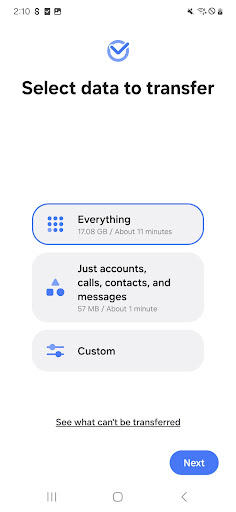
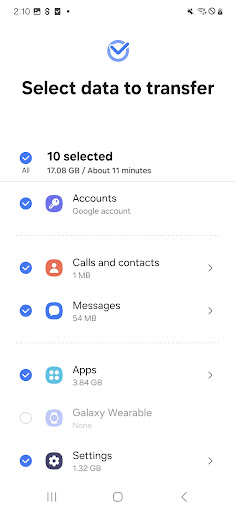
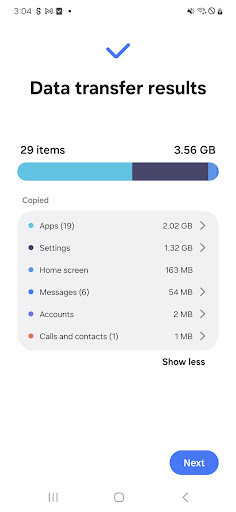
Move contacts, calendar, messages, photos, music, and videos to your new phone.
Find compatible apps
Suggests similar apps available on Google Play for your new device.
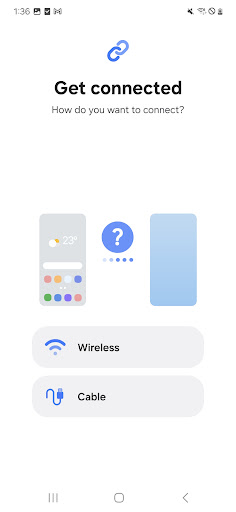
Multiple transfer methods
Supports wireless, USB cable, or iCloud/iTunes import for flexibility.
Transfer device settings
Copies settings like alarms, Wi-Fi, and wallpapers to your new Galaxy.
Use Cases
Switching to a new Samsung phone? Smart Switch makes moving your important data seamless. Whether upgrading from an old Android or an iPhone, this app ensures your contacts, photos, and messages transfer smoothly.
How It Works
- Install Smart Switch on both your old and new devices.
- Connect the devices wirelessly or using a USB cable.
- Select the data you wish to transfer on your old device.
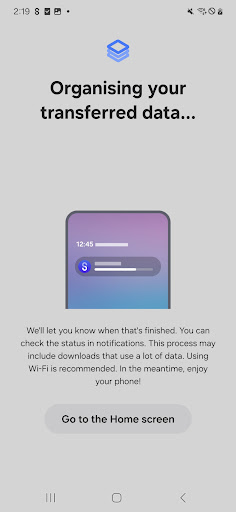
- Start the transfer and wait for it to complete on the new device.

 Google Play
 App Store
