




About Samsung Internet Browser
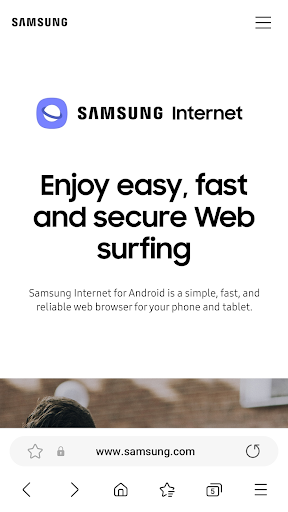
Samsung Internet is a mobile browser offering video assistance and dark mode. It prioritizes user privacy with features like Secret mode and Smart Anti-Tracking.
Key Functions
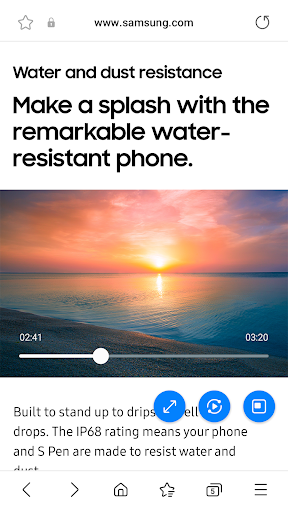
Video Assistant
Enhances video playback with features like picture-in-picture for multitasking convenience.
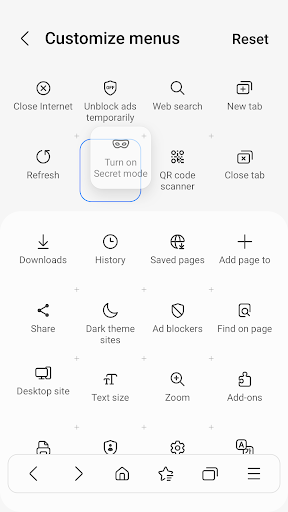
Secret Mode
Provides private browsing by not saving browsing history or cookies for enhanced user privacy.
Smart Anti-Tracking
Blocks trackers across websites to prevent data collection and protect user privacy online.
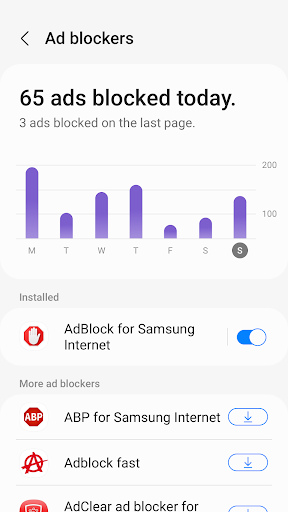
Content Blockers
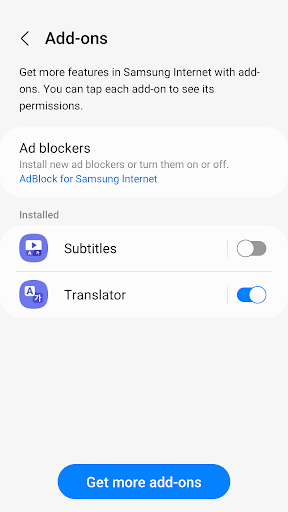
Allows third-party apps to filter unwanted content, leading to a safer browsing experience.
Use Cases
Users can enjoy enhanced video viewing with Picture-in-Picture mode for multitasking. For privacy-conscious individuals, Secret mode ensures browsing history remains private. Travelers can utilize the Translator extension for seamless international web navigation.
How It Works
- Open the Samsung Internet app on your device.
- Navigate to 'Settings' via the menu.
- Explore options like 'Secret mode' or 'Smart Anti-Tracking' to enable privacy features.
- Access 'Video Assistant' when watching videos for enhanced controls.

 Google Play
 App Store
