



About Microsoft Excel: Spreadsheets
Microsoft Excel is a powerful spreadsheet app for managing finances, creating charts, and analyzing data on your device. It offers robust tools for budgeting, expense tracking, and productivity on the go.
Key Functions
Create Spreadsheets and Charts
Build custom budgets, task lists, and financial analyses using modern templates and familiar formulas.
Track Expenses Easily
Utilize budget templates and trackers to monitor spending and manage personal finances effectively.
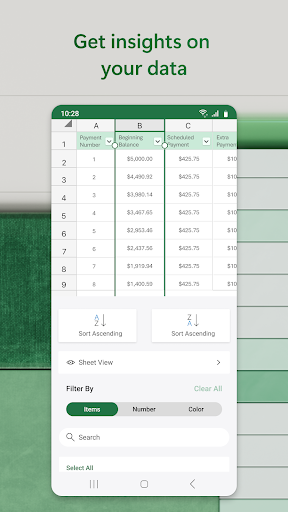
Analyze Data On-the-Go
Create and edit charts directly from your phone for quick data visualization and insights.
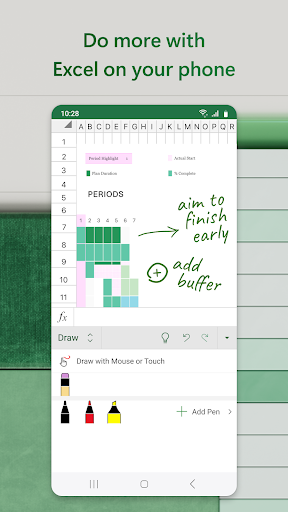
Edit Documents Anywhere
Use the built-in file editor to modify spreadsheets, charts, and data wherever you are.
Use Cases
Excel helps individuals manage personal budgets and track household expenses, making financial planning straightforward. Small business owners can also leverage its features for basic accounting and data analysis directly from their mobile devices.
How It Works
- Sign in with your Microsoft account to create or edit documents on screens smaller than 10.1 inches.
- Tap the '+' icon to start a new spreadsheet or choose a template.
- Use the formatting tools to input data, create formulas, and build charts.
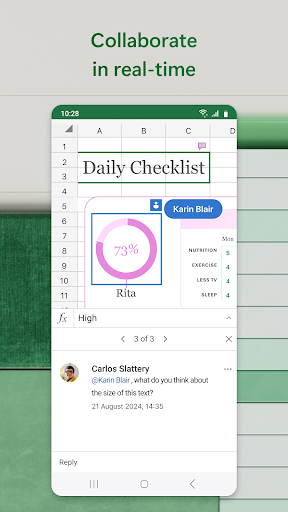
- Save your work and share it with others by tapping the share icon.

 Google Play
 App Store
