




About Microsoft Authenticator
Microsoft Authenticator is a security app for easy, secure sign-ins. It uses multi-factor authentication and password autofill for all your online accounts.
Key Functions
Approve Sign-ins
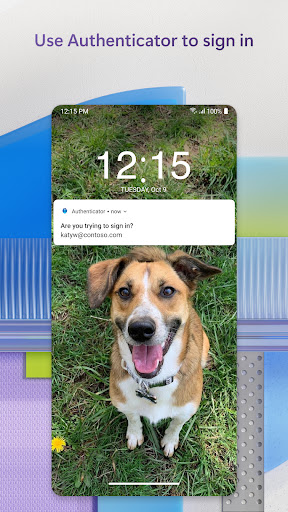
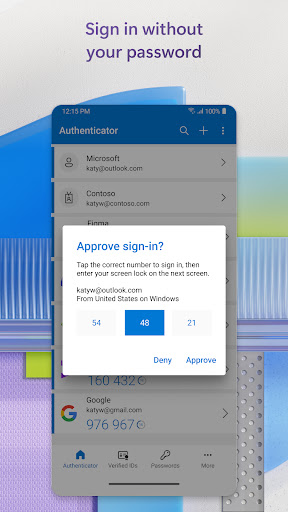
Approve sign-in notifications or enter one-time passwords (OTP) for secure access.
Passwordless Login
Log in to Microsoft accounts using your phone instead of a password.
Autofill Passwords
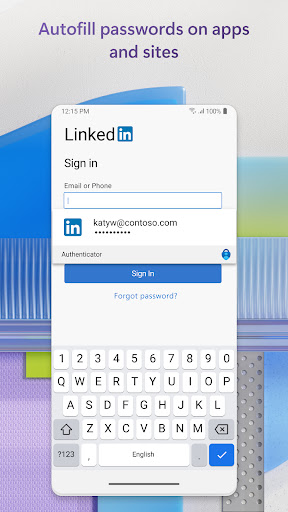
Automatically fill in passwords on apps and sites after proving your identity.
Work/School Accounts
Securely access work or school resources with device registration and SSO.
Use Cases
Safely log into online services like Facebook, Amazon, or your work email. This app is ideal for anyone needing an extra layer of security for their digital life, from personal accounts to professional tools.
How It Works
- Download and install the Microsoft Authenticator app.
- Add your accounts by scanning QR codes or entering details.
- Approve sign-in notifications or use generated OTP codes when prompted.
- Enable autofill by setting Authenticator as default and signing in with your Microsoft account.

 Google Play
 App Store
