





About Microsoft PowerPoint
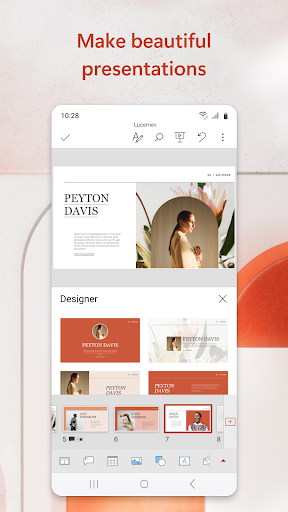
Microsoft PowerPoint is a presentation app for creating dynamic slideshows. Easily make, edit, and present slides with graphics and charts on the go.
Key Functions
Create and Edit Slides
Design professional presentations from scratch or templates. Add text, images, and videos easily.
Presenter Coach
Practice your speech with AI feedback on pacing and filler words.
Real-time Collaboration
Work together on presentations with others. See edits instantly.
Sync Across Devices
Access and edit your files anywhere. Presentations sync automatically.
Use Cases
Business professionals can create quarterly reports or sales pitches. Students can prepare class presentations or project summaries. Anyone can build engaging slideshows for personal events or sharing information.
How It Works
- Open the app and sign in with your Microsoft account.
- Tap 'Create' to start a new presentation or open an existing file.
- Add slides, text, images, and charts using the editing tools.
- Use Presenter Coach to practice your delivery before presenting.

 Google Play
 App Store
