




About Microsoft Word: Edit Documents
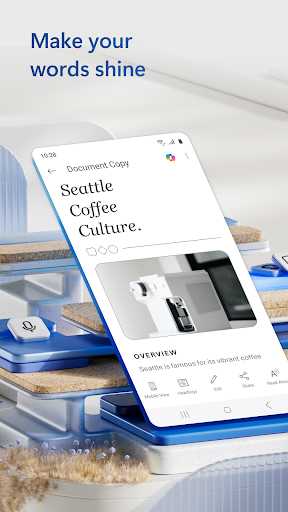
Microsoft Word is a mobile document editor for creating and editing files on the go. It offers essential tools for writing, sharing, and collaborating, making it ideal for users needing productivity anywhere.
Key Functions
Create Documents
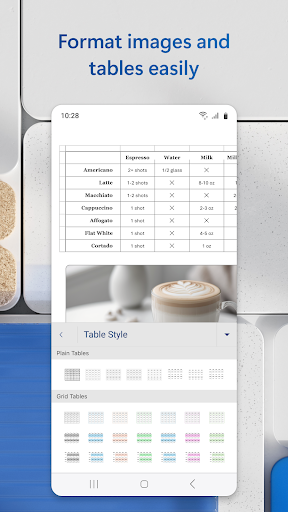
Use templates to create various documents like resumes or letters. Editing tools ensure your formats and layouts look great.
Edit PDFs
Convert documents to PDF or edit existing PDFs within the app. Save your changes and share the PDF easily.
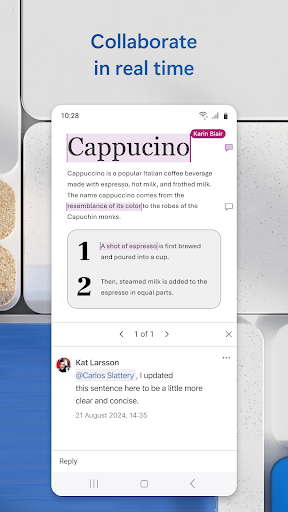
Collaborate Seamlessly
Add comments directly in documents and track changes. Work with your team on text and layout edits.
Share Files
Share your documents easily via link, email, or attachment. Manage file permissions to see who is editing.
Use Cases
Writers and project managers can create professional documents like resumes and reports from anywhere. Students can easily edit assignments or collaborate on group projects, ensuring they meet deadlines with formatted, shareable files.
How It Works
- Open the app and sign in with your Microsoft account if needed.
- Tap 'Create' to select a template or a blank document.
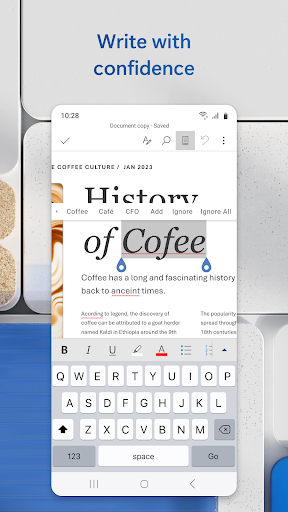
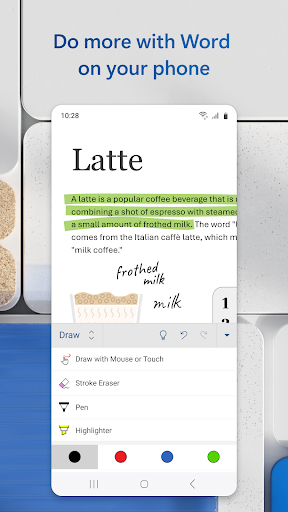
- Use the editing tools to write and format your content.
- Tap 'Share' to collaborate or export your document.

 Google Play
 App Store
